
MASCOTS FOR LOADING STATES
A little company while the work happens.
A waiting pose can make a long-running task feel like part of your product. Pair it with a useful status message, accurate progress when available, and clear information about what happens next.
Real CreateMascot artwork. Screen copy below is an example you can adapt.
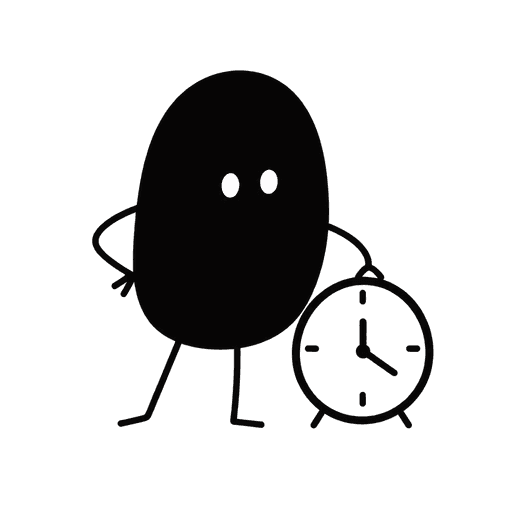 Preparing your export.
We’re collecting your files. Your download will appear here when it’s ready.
Export in progressMake the moment useful.
Short waits often need only a spinner or skeleton. A mascot is more useful when a task takes long enough to deserve a dedicated status view: an import, export, generation, or report. The character can set a patient tone, while the interface answers whether the task is still running and whether the person can leave.
Say what is actually happening
Name the task, such as ‘Preparing your export.’ Only say it is safe to leave if the job truly continues in the background and there is a way to retrieve the result.
Keep time estimates honest
Use measured ranges if you have them. Do not replace real progress with an animated percentage or an ‘almost done’ message that stays on screen indefinitely.
Let the status carry the meaning
A clock or patient pose works without movement. Keep the status in text so the state remains understandable when the illustration cannot load or is hidden.
Try this scene prompt.
Approve your mascot and style first, then adapt this example brief for the scene you need.
Use my approved mascot and style. The character waits calmly beside a small clock, in a relaxed and patient pose. Preserve its identity, proportions and signature details. A clear square composition with generous space, no busy background. Static illustration, no text, progress bars or interface elements.
Compare the result with your approved reference: face, silhouette, colors and permanent details. Generative results can vary; review each illustration before using it.
From illustration to interface.
Announce meaningful status changes politely instead of every elapsed second. Provide a cancel action only if cancellation is supported. When the job completes, replace the waiting state with the result or a clear link to it. The PNG itself does not implement progress or background processing.
You receive PNG artwork. Add your own text and controls in your product or design tool; the image is not an editable SVG or a working screen.
See how one Nellie reference became five illustrations ↗A few useful answers.
Are these animated loading mascots?
Current CreateMascot exports are static PNG illustrations. Animation is on the roadmap, with no committed release date. A still image can sit beside your existing spinner or progress component.
Should every loading spinner become a mascot?
No. Small in-place updates should stay compact. Use a larger illustration when there is enough waiting time and screen space to justify a dedicated status view.
Same character. Next moment.
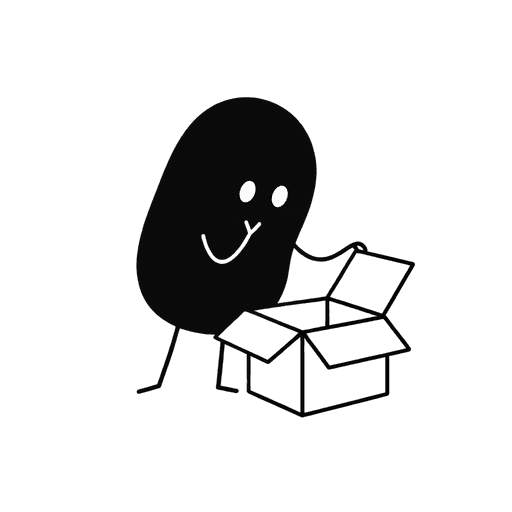
Mascots for empty states
Your first project starts here.
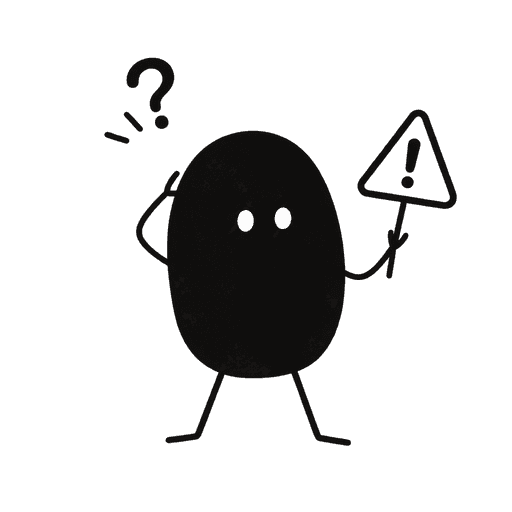
Mascots for error states
The upload didn’t finish.
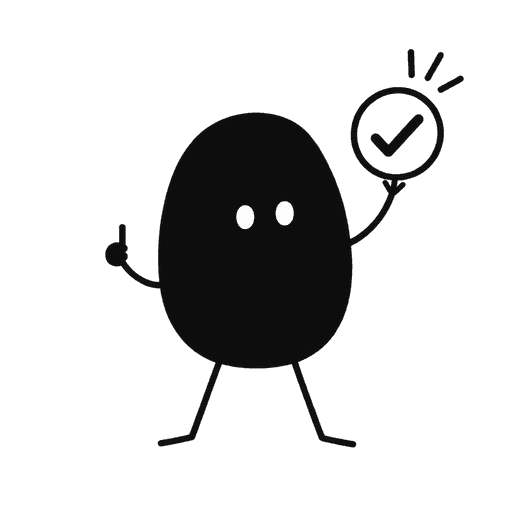
Mascots for success states
Your project is published.
Give your product a familiar face.
Start with your own artwork or describe a new character. Approve its identity and style, then generate the scenes you need.
Maker Pack: $20 once for 200 credits. A square image uses 5 credits; a landscape placement uses 8. Generation requires credits.