MASCOTS FOR ERROR STATES
Something broke. Keep the next step clear.
An error illustration should help your interface stay calm. Give your character a sympathetic expression, explain what failed, and put the recovery action where people can find it.
Real CreateMascot artwork. Screen copy below is an example you can adapt.
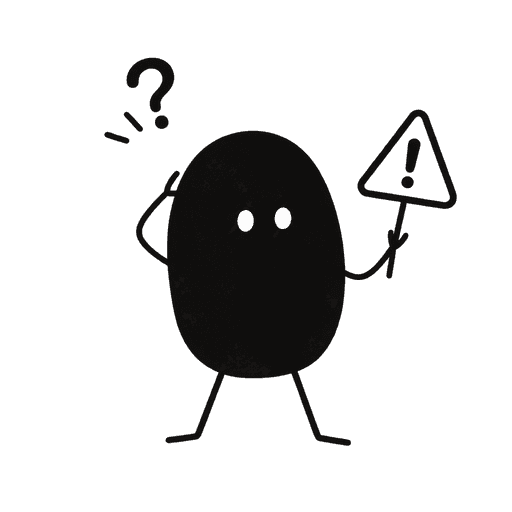 The upload didn’t finish.
Your draft is still here. Check your connection and try the upload again.
Retry uploadMake the moment useful.
An error state interrupts a task someone wanted to finish. The mascot can soften the presentation, but it cannot replace a specific explanation. Match the tone to the consequence: a lost connection can take a gentle shrug; a billing or security problem needs a restrained treatment and direct language.
Match the actual failure
Write what happened and what remains saved only when your product can verify it. Do not use a generic reassurance such as ‘nothing was lost’ for every error.
Make recovery the main action
Keep retry, reconnect, or contact support visually stronger than the illustration. If retrying could duplicate a charge or submission, resolve that behavior before adding artwork.
Use a sympathetic expression
A small frown or puzzled pose reads more gently than panic, blame, or slapstick. Keep warning symbols secondary and include a text explanation instead of relying on color alone.
Try this scene prompt.
Approve your mascot and style first, then adapt this example brief for the scene you need.
Use my approved mascot, unchanged in identity and style. Create a gentle, sympathetic puzzled pose beside a small warning symbol. Calm expression, no panic, no tears, no mocking gesture. Square composition with breathing room. No text, interface controls or extra characters.
Compare the result with your approved reference: face, silhouette, colors and permanent details. Generative results can vary; review each illustration before using it.
From illustration to interface.
Choose a live-region pattern that suits the message: reserve assertive alerts for urgent interruptions. Put the error text and action in accessible HTML, preserve the person’s form input where possible, and show artwork only when there is room for it.
You receive PNG artwork. Add your own text and controls in your product or design tool; the image is not an editable SVG or a working screen.
See how one Nellie reference became five illustrations ↗A few useful answers.
Does every form error need a mascot?
No. A field-level validation message usually needs a short explanation beside the field. Use a mascot for a larger interruption, such as a failed import, rather than repeating it under every input.
How is this different from a 404 illustration?
A 404 helps someone find a route that exists. An error state helps them recover a failed action. That changes the copy, primary action, and often the expression or prop.
Same character. Next moment.
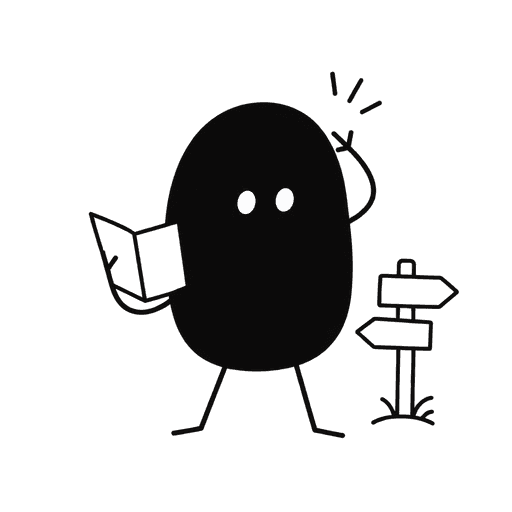
Mascots for 404 pages
This page wandered off.
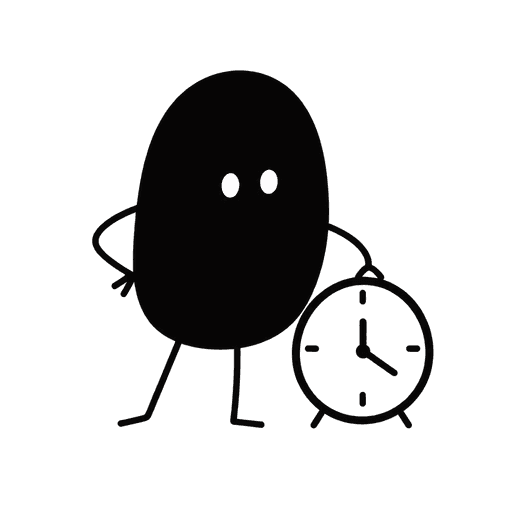
Mascots for loading states
Preparing your export.
Mascots for success states
Your project is published.
Give your product a familiar face.
Start with your own artwork or describe a new character. Approve its identity and style, then generate the scenes you need.
Maker Pack: $20 once for 200 credits. A square image uses 5 credits; a landscape placement uses 8. Generation requires credits.