
One little bird. Five new places to land.
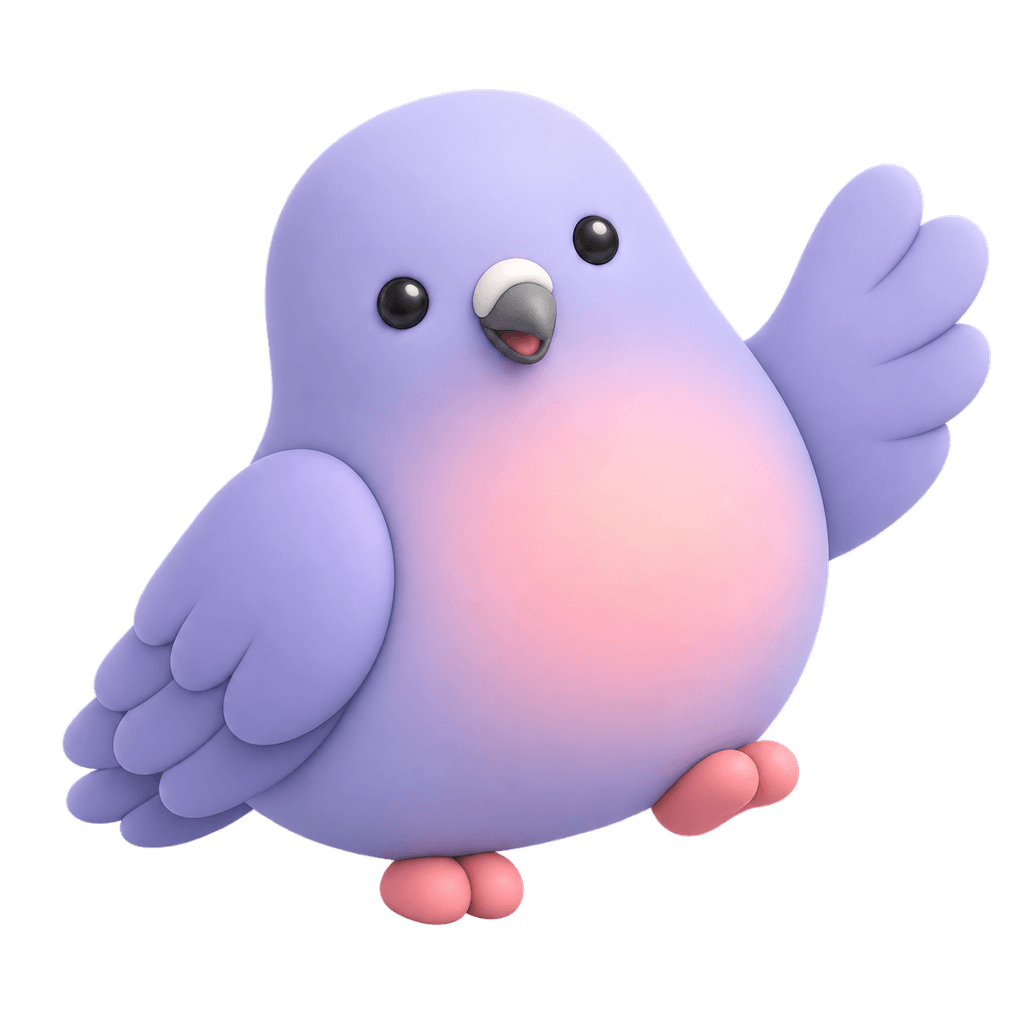
Nellie started as one purple bird. That original reference became a welcome, a success, a thoughtful pose, and two complete editorial illustrations through CreateMascot.
All five illustrations below were generated through CreateMascot. Explore the original artwork, new poses and editorial scenes, with ideas for where each could fit in a product.

The same bird, with more to say.


Keep the identity. Change the job.
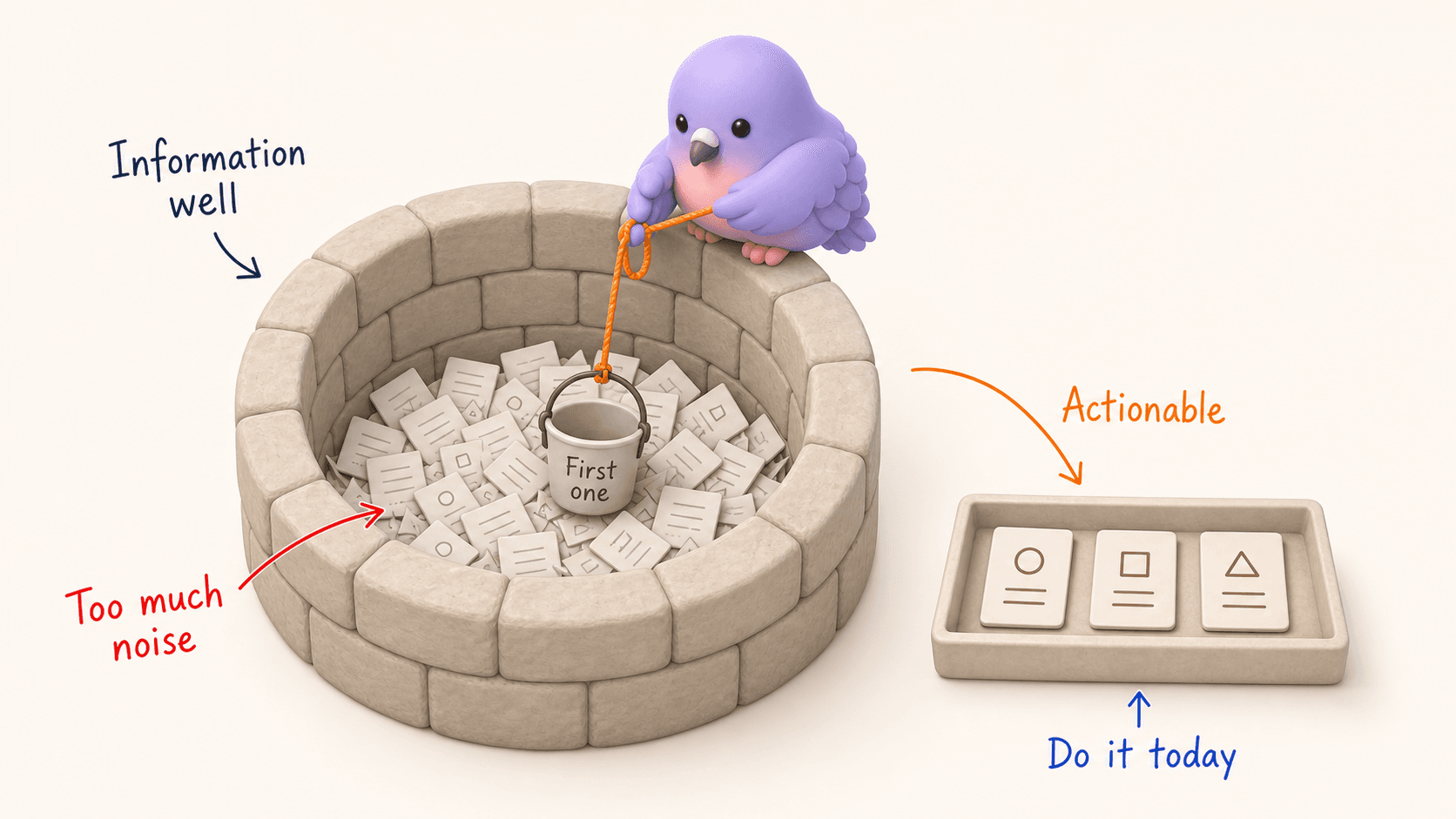
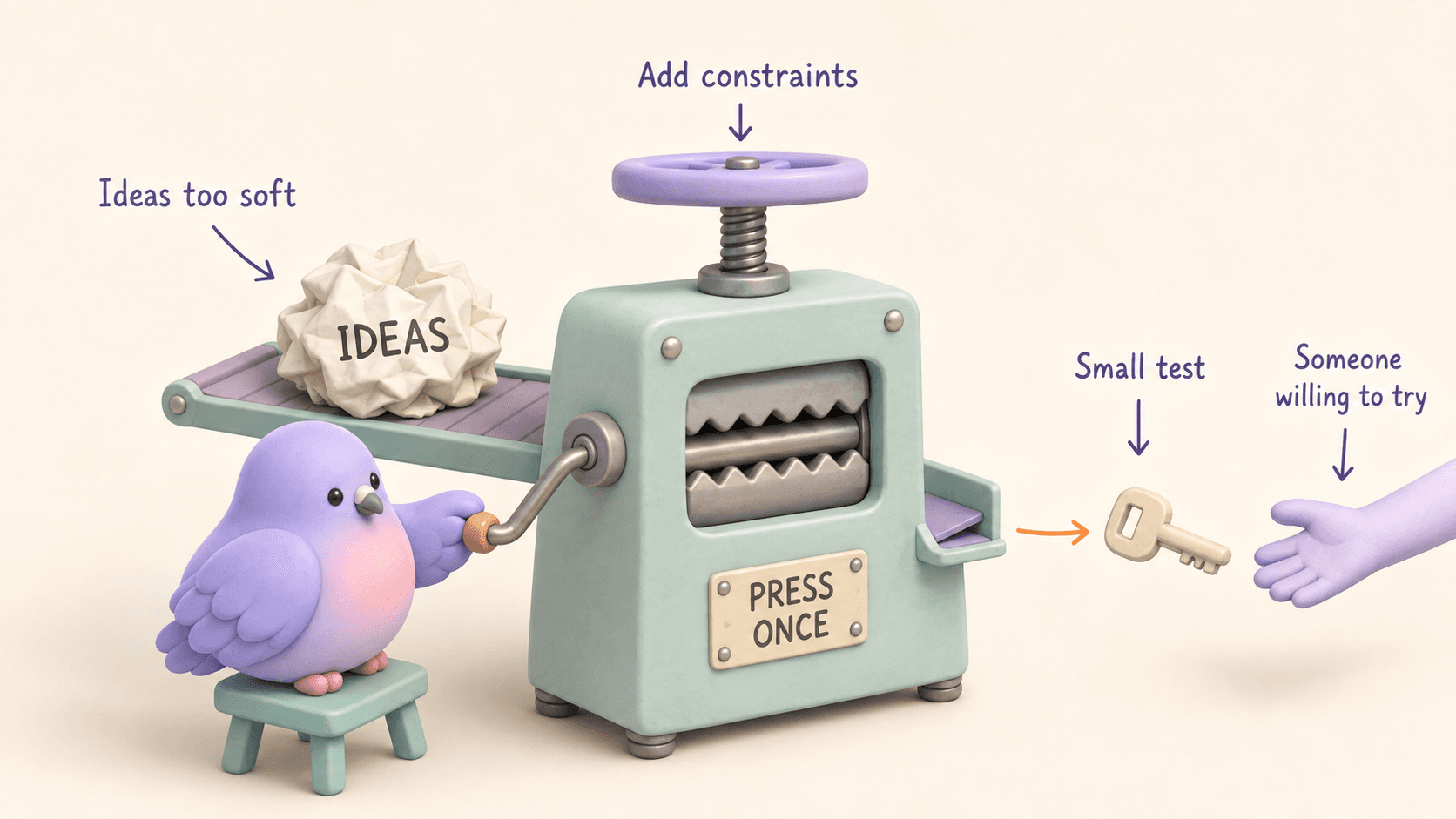
Nellie’s recognizable details are the rounded purple body, pink chest, glossy dark eyes, curved beak and layered wings. The pose and props change across the set. Those visible anchors are what to compare when reviewing a new illustration against an approved character.
The three square outputs suit compact moments such as a welcome, a completed task or a quiet workspace. The two wide illustrations do more storytelling: one uses a well to show information overload; the other turns an ideas press into a metaphor for testing a small idea.
Each result still needs review. Generative tools can vary anatomy, lighting and small details between images. Compare the full set at the sizes where you plan to use it, then choose the outputs that fit your product.
Try the workflow with your own character.
- Upload the reference. Start with a PNG, JPEG or WebP you own or have permission to adapt. Describe the visual traits that must stay recognizable.
- Approve the identity and style. Choose the reference you want future requests to use. Be specific about permanent colors, proportions and accessories.
- Ask for one useful scene. Choose a product moment or describe a visual metaphor. Explain the action and composition without redesigning the character.
- Review and place the artwork. Download the PNG and add your product copy in your own layout. Check mobile size, contrast and whether the image needs descriptive alt text.
Give your product a familiar face.
Start with your own artwork or describe a new character. Approve its identity and style, then generate the scenes you need.
Maker Pack: $20 once for 200 credits. A square image uses 5 credits; a landscape placement uses 8. Generation requires credits.