MASCOTS FOR LAUNCH GRAPHICS
One character. A launch that holds together.
Give your launch thumbnail, share image, and announcement post the same recognizable character. Change the crop and composition for each destination while keeping the mascot’s identity fixed.
Real CreateMascot artwork. Screen copy below is an example you can adapt.
 Meet your next good idea.
A new product. A familiar character. Room for a clear launch message.
Explore the productMake the moment useful.
Launch assets appear at very different sizes. A thumbnail needs a readable silhouette, while a wide social card needs room for a headline and product name. Build them as a related set rather than forcing one detailed image into every crop. Your mascot can connect the campaign with the product people see after clicking.
Compose around the headline
Place the character to one side for a wide card. Ask for clear space, then add your actual headline with a design or layout tool so wording and typography stay under your control.
Test the small crop
View the thumbnail at the size it will appear in a listing. Remove minor props if they disappear. Keep the face and identifying features inside a safe central area.
Review the whole set together
Compare thumbnail, OG image and announcement as one group. Check face, proportions, colors and accessories, then check each destination’s current upload requirements.
Try this scene prompt.
Approve your mascot and style first, then adapt this example brief for the scene you need.
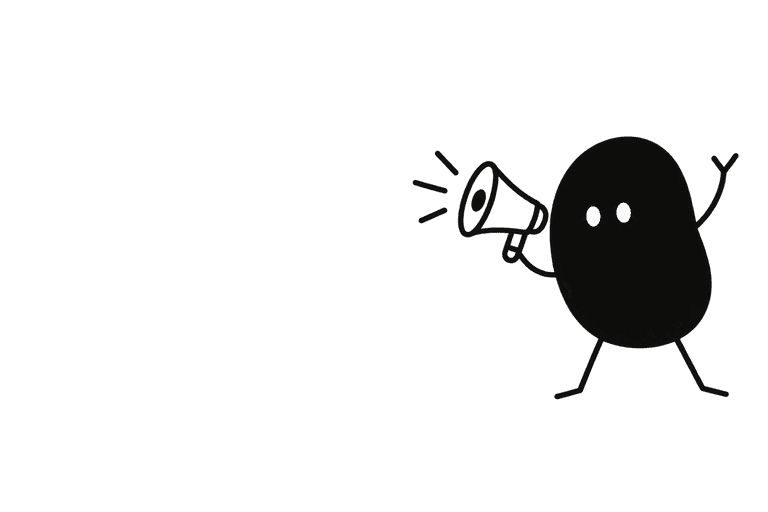
Use my approved mascot and style. The character announces a product launch with a small megaphone, placed in the right third of a wide landscape composition. Preserve the face, proportions and signature details. Leave the left half visually quiet for a headline added later. No lettering, logo text or interface elements.
Compare the result with your approved reference: face, silhouette, colors and permanent details. Generative results can vary; review each illustration before using it.
From illustration to interface.
CreateMascot’s Launch Kit includes a Product Hunt thumbnail, OG image and tweet card alongside product-screen illustrations. Review the placements and download the ZIP. Set your website’s Open Graph image to an absolute public URL, and preview the crop before sharing. These are image assets, not automatic social publishing.
You receive PNG artwork. Add your own text and controls in your product or design tool; the image is not an editable SVG or a working screen.
See how one Nellie reference became five illustrations ↗A few useful answers.
Is the Launch Kit a separate purchase?
No. It is available with any credit balance. Credits pay for the generated placements; the same studio features are available across credit offers. See current prices below before generating.
Can I use the generated artwork commercially?
Commercial use is allowed under the published Terms. You must have rights to your inputs and review outputs before use. Generated artwork is not a guarantee of exclusivity or trademark clearance.
Same character. Next moment.
Mascots for onboarding
Make yourself at home.
Mascots for success states
Your project is published.
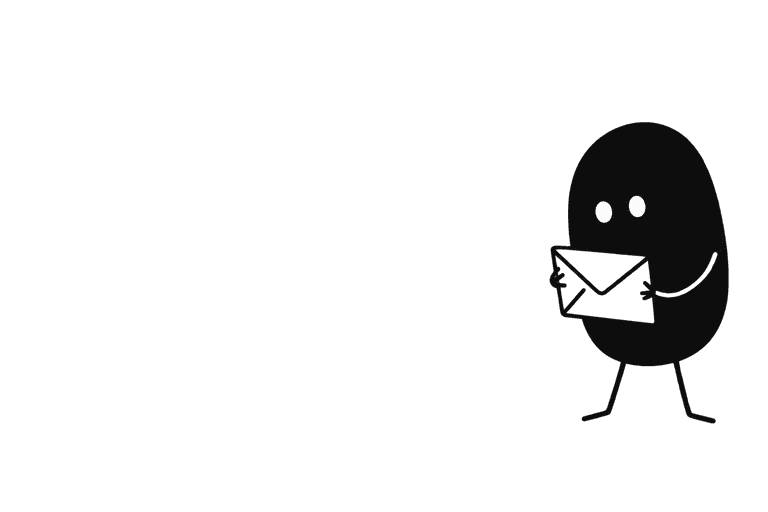
Mascots for newsletters
One idea for your week.
Give your product a familiar face.
Start with your own artwork or describe a new character. Approve its identity and style, then generate the scenes you need.
Maker Pack: $20 once for 200 credits. A square image uses 5 credits; a landscape placement uses 8. Generation requires credits.