
MASCOTS FOR EMPTY STATES
Nothing here yet. Plenty of possibility.
A new workspace should explain what belongs there and how to begin. Pair a curious mascot with a specific next step, whether the page will hold projects, drafts, files, or teammates.
Real CreateMascot artwork. Screen copy below is an example you can adapt.
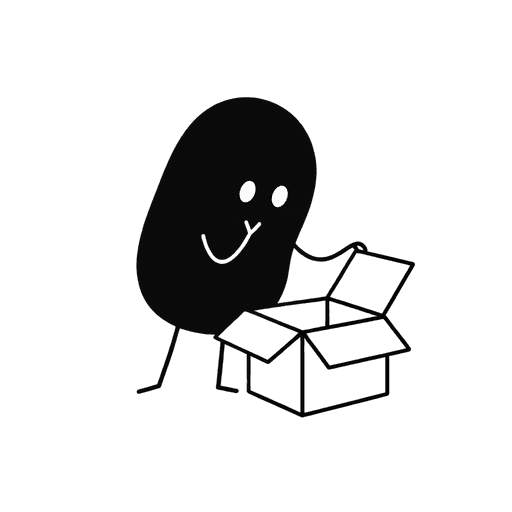 Your first project starts here.
Give it a name. You can add files and invite your team next.
Create a projectMake the moment useful.
An empty state is often the first version of your interface a new customer sees. An illustration can show the mood, while the text introduces the feature. A brand mascot gives you a reusable visual language as that person moves from their first project to search, imports, and collaboration.
Separate first use from no results
An empty account needs an invitation to create something. A search with no matches needs guidance to change the query or filters. Reuse the character, but change the message and action.
Use one meaningful prop
An open box can suggest a file library; a blank sheet can suggest drafts. Keep the scene simple enough to read inside a dashboard panel, without covering the navigation.
Give the person a starting point
Name the object they will create and describe the first small step. Avoid a button labeled only ‘Get started’ when ‘Create a project’ makes the outcome clearer.
Try this scene prompt.
Approve your mascot and style first, then adapt this example brief for the scene you need.
Use my approved mascot and style references. The character leans curiously over an empty open box with a hopeful expression. One box, no other props. Keep the silhouette, face and colors unchanged. Square composition with a clean background and room around the character. No text or interface elements.
Compare the result with your approved reference: face, silhouette, colors and permanent details. Generative results can vary; review each illustration before using it.
From illustration to interface.
Keep the illustration proportionate to the empty panel. The heading should name the missing content, the description should explain how it appears, and the action should start that task. If the scene is decorative, give it empty alt text and let the heading communicate the state.
You receive PNG artwork. Add your own text and controls in your product or design tool; the image is not an editable SVG or a working screen.
See how one Nellie reference became five illustrations ↗A few useful answers.
Can one illustration cover every empty state?
It can work as a starting point, but a first-use screen and a filtered result list need different explanations. Use a small family of related poses when the situations differ.
What should I do with the mascot once data appears?
Let the content take over. The empty-state illustration usually disappears when the list has items; it does not need to remain as decoration beside every row.
Same character. Next moment.
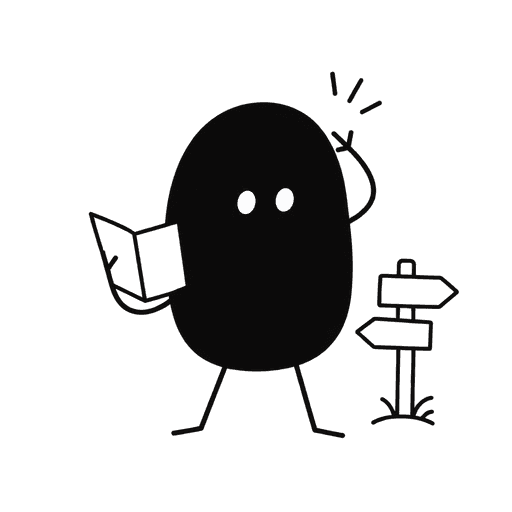
Mascots for 404 pages
This page wandered off.

Mascots for onboarding
Make yourself at home.
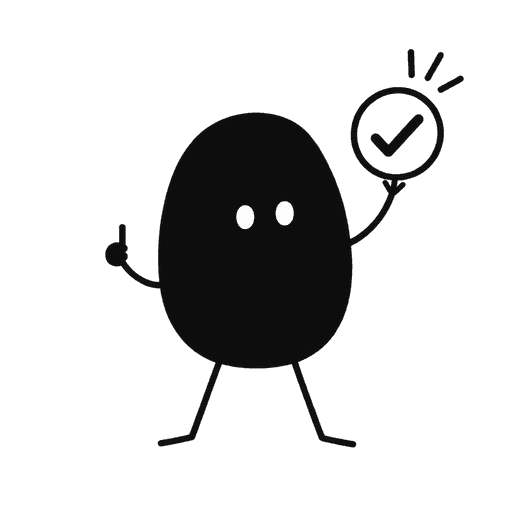
Mascots for success states
Your project is published.
Give your product a familiar face.
Start with your own artwork or describe a new character. Approve its identity and style, then generate the scenes you need.
Maker Pack: $20 once for 200 credits. A square image uses 5 credits; a landscape placement uses 8. Generation requires credits.