
Mascot illustrations for every product moment.
A welcome, a wrong turn, a small win. Find a scene that fits the job, learn what makes it useful, and make it with your own approved character.
These are real Pip illustrations generated with CreateMascot. Each guide includes a prompt you can adapt, layout considerations, and an example of the words you might put beside the artwork.
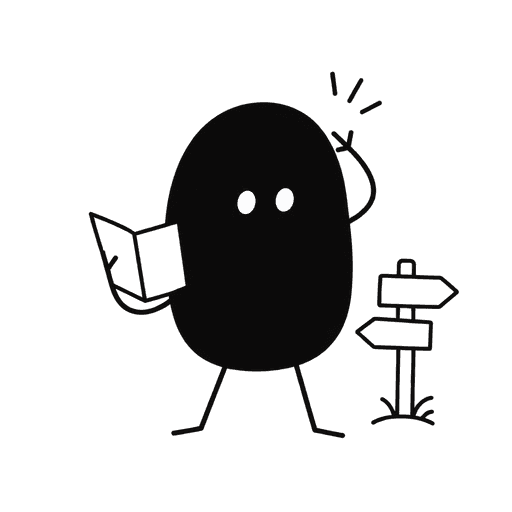
Mascots for 404 pages
This page wandered off.

Mascots for empty states
Your first project starts here.

Mascots for onboarding
Make yourself at home.

Mascots for error states
The upload didn’t finish.
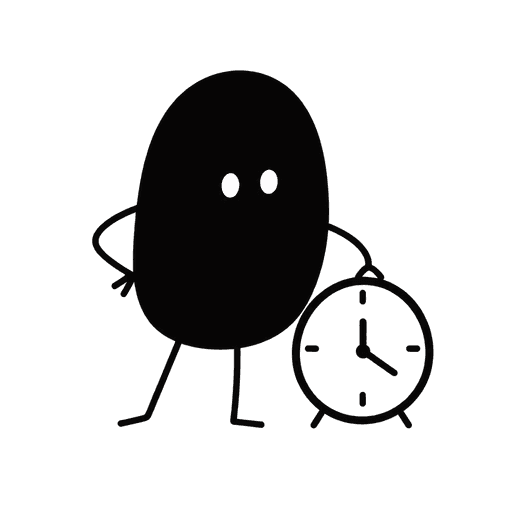
Mascots for loading states
Preparing your export.

Mascots for success states
Your project is published.
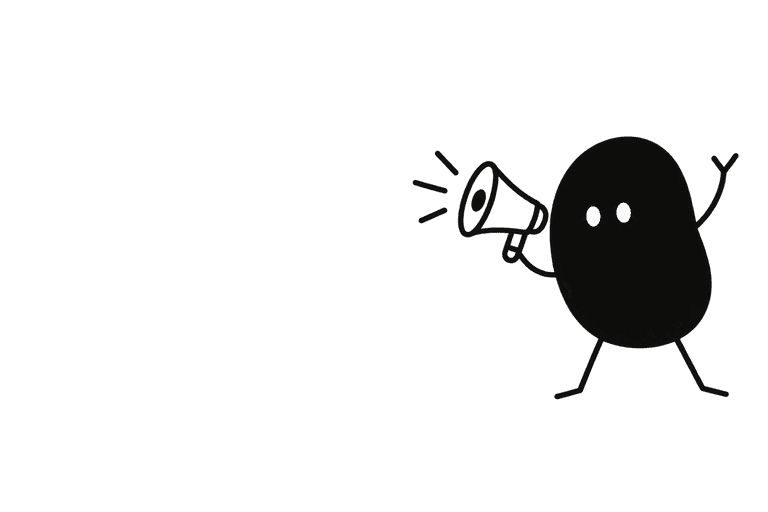
Mascots for launch graphics
Meet your next good idea.

Mascots for newsletters
One idea for your week.
Start with the screen that needs it.
For a new product, start with onboarding and the first empty dashboard. For an existing app, choose a confusing interruption or a moment that currently has no visual identity. Generate a small set from the same approved mascot, then review it inside your actual layouts.
Square scenes work well inside panels. Wide compositions leave room for launch headlines and email introductions. Keep important text and controls outside the image so they stay accessible and easy to change.
See a real transformation: Nellie, one reference to five illustrations ↗Give your product a familiar face.
Start with your own artwork or describe a new character. Approve its identity and style, then generate the scenes you need.
Maker Pack: $20 once for 200 credits. A square image uses 5 credits; a landscape placement uses 8. Generation requires credits.